Page 1 of 1
Posting photos

Posted:
Mon Jun 25, 2012 2:51 amAuthor: Kawe
How do I go about posting images from my computer onto the forum? I've been having trouble posting images through the Img button, as many times it does not show the image. I also have many images on my computer that I would like to share with you all.
Thanks for the help!
Re: Posting photos
Posted:
Mon Jun 25, 2012 3:29 amAuthor: alan131210
my way : upload onto imageshack then use command to post images

Re: Posting photos
Posted:
Mon Jun 25, 2012 7:52 amAuthor: Londoner
when you open new post, click on upload attachment, after that click on browse to find the picture on your computer, after that click on add file. this is how you can upload pictures from your computer to this site. See my m,y van:
Re: Posting photos
Posted:
Mon Jun 25, 2012 8:51 amAuthor: alan131210
I can't use attachment won't work for me
Re: Posting photos
Posted:
Mon Jun 25, 2012 11:51 amAuthor: diako_ber
I do it actually just like Alan (I think most of us do it that way): first you upload it to somewhere (f.e. panoramio, imageshack, picasa etc...), then you copy the URL of the picture just by clicking copy and then post the URL with the image command
Re: Posting photos
Posted:
Mon Jun 25, 2012 1:27 pmAuthor: alan131210
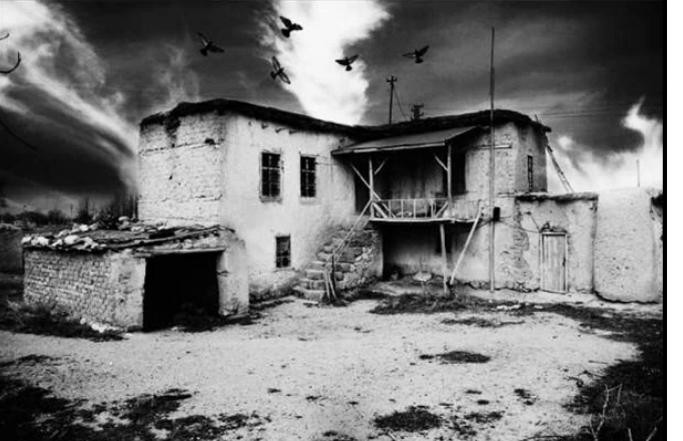
see if this works ...
Re: Posting photos
Posted:
Mon Jun 25, 2012 1:28 pmAuthor: alan131210
YAY attachments work now

Re: Posting photos
Posted:
Mon Jun 25, 2012 6:37 pmAuthor: talsor
There were lots of restrictions on the images , their type and size , but I guess that is all in the past now .
- mal.jpg (78.34 KiB) Viewed 10670 times